
Download Briteclick – Firefox add-on, web search, productivity tool, search integration, tab efficiency, Google search, YouTube search, Wikipedia search
Overview
Briteclick is a Firefox add-on crafted to enhance the efficiency of web browsing by integrating powerful search capabilities directly into the user’s current tab. Designed for individuals who frequently conduct research, gather information, or simply navigate the web with speed and precision, Briteclick eliminates the need to switch between multiple tabs when seeking answers. By enabling instant access to Google, YouTube, and Wikipedia—among other platforms—it streamlines the search process and reduces workflow interruptions. The app is particularly useful for students, professionals, content creators, and casual users who value time-saving tools within their daily digital routines.
Although the developer did not provide additional technical details about the origin or background of Briteclick, its long-standing presence since its release on January 31, 2012, speaks to its reliability and enduring utility. The add-on operates as a lightweight tool within the Firefox ecosystem, aligning with the browser’s philosophy of user-centric design and open-source innovation. Real-world use cases include comparing information from multiple sources while reading an article, quickly checking a video explanation without leaving the current page, or verifying facts from Wikipedia in real time. Its integration into the browser interface makes it a seamless companion for anyone aiming to boost productivity and maintain focus during online tasks.
Key Features & Functionality
- Seamless Tab Integration: Briteclick allows users to perform searches without navigating away from the current tab. This feature maintains workflow continuity, especially beneficial during research sessions or while reading lengthy web content.
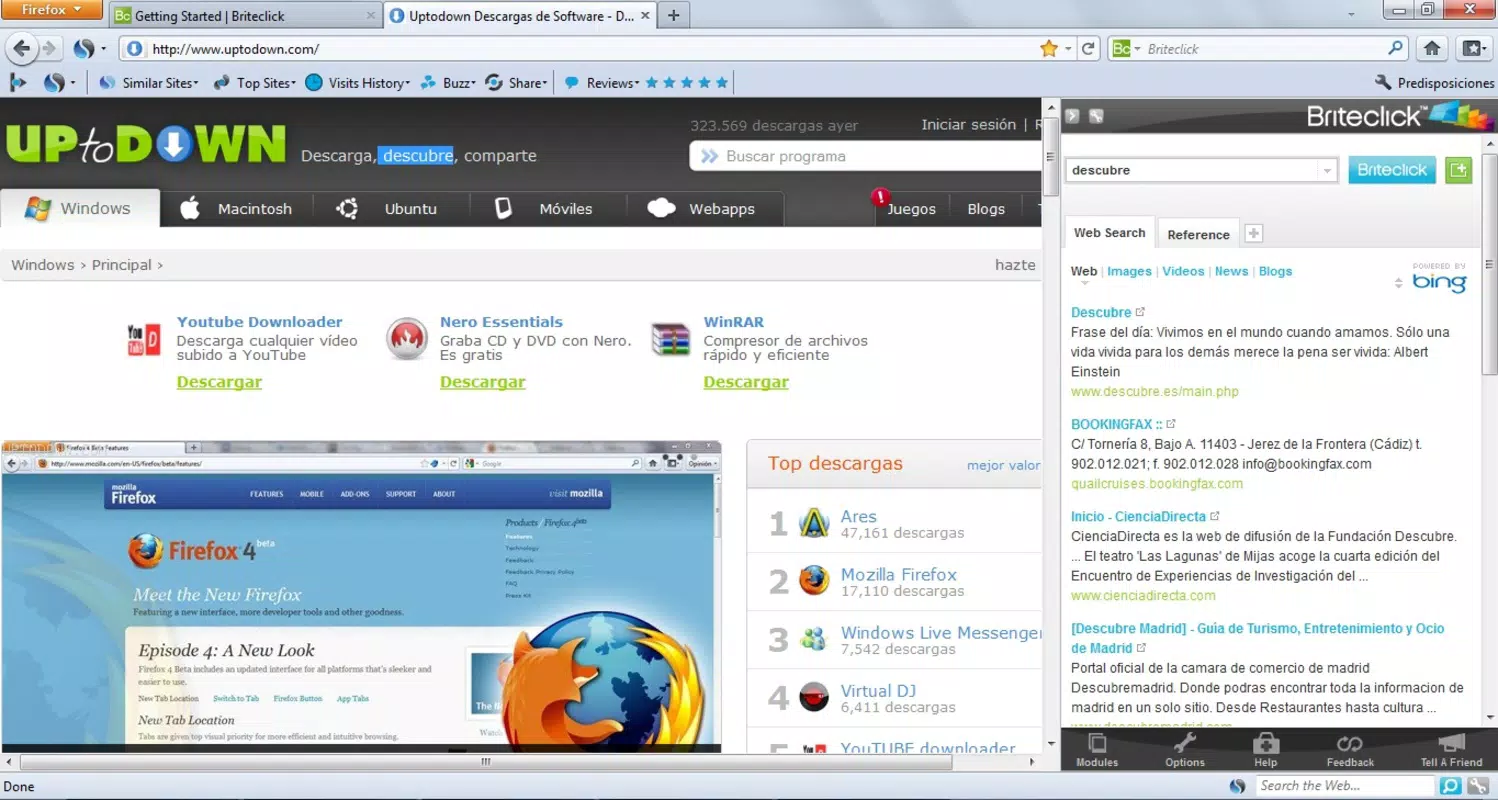
- Multi-Platform Search: Users can search across Google, YouTube, and Wikipedia simultaneously, enabling a comprehensive approach to information gathering. This is ideal for users who need both textual and visual content in their research.
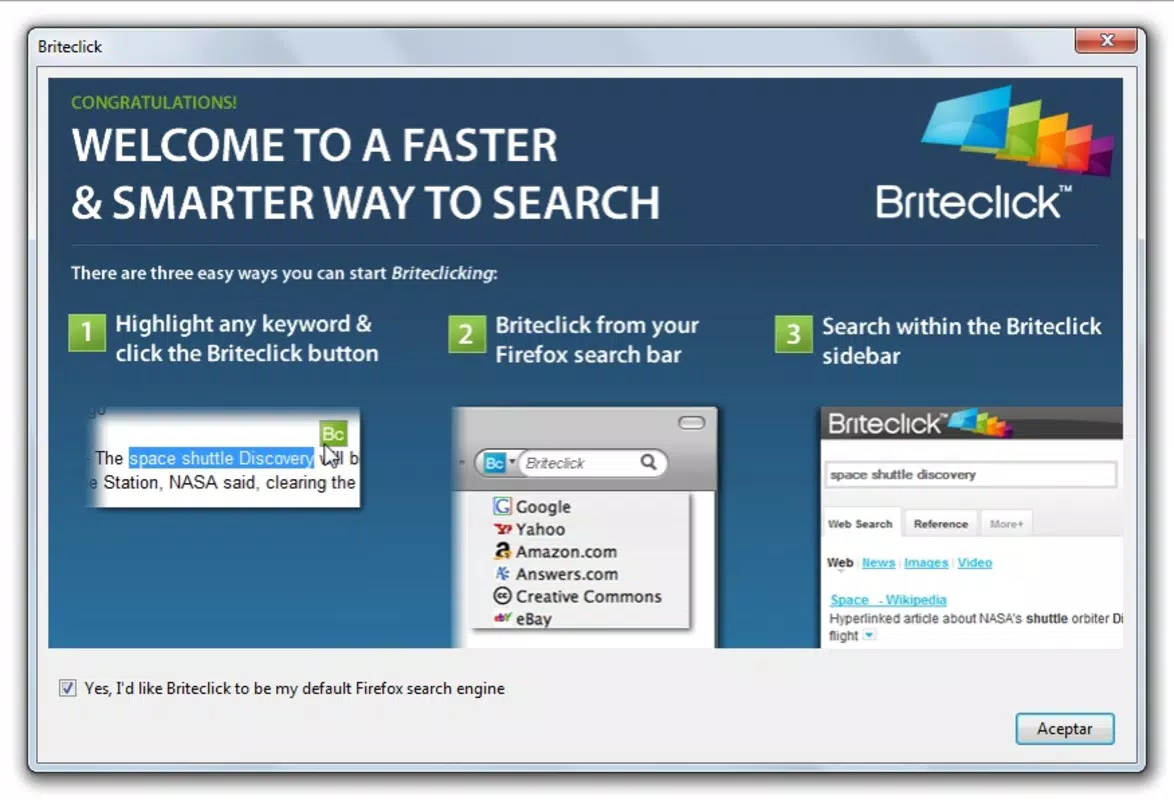
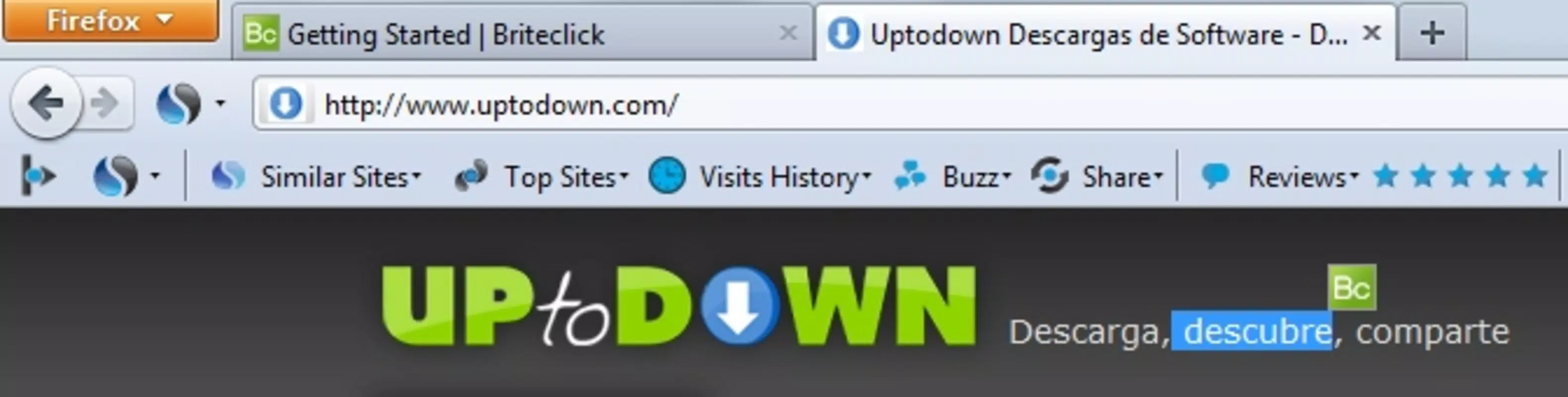
- Quick Access Button: As users begin typing a search query, a button appears above the search bar, providing immediate access to results. This intuitive design reduces steps and enhances usability, particularly for those with limited technical experience.
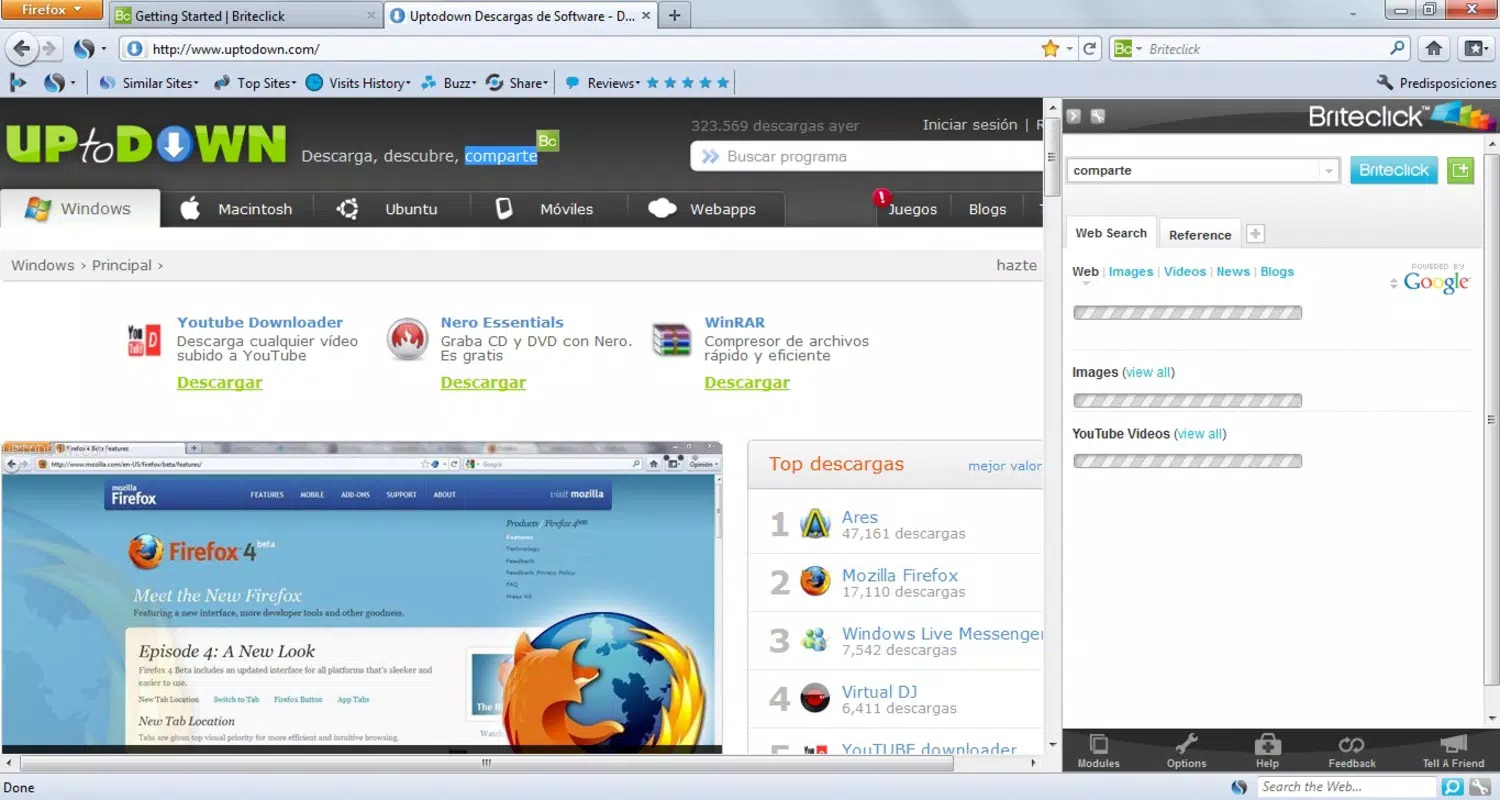
- Split Screen View: Search results are displayed on the right side of the browser window, allowing users to view their original page and new results side by side. This layout supports efficient comparison and reduces cognitive load.
- Enhanced User Experience: By embedding search functions directly into the Firefox interface, Briteclick minimizes distractions and promotes a smoother, more focused browsing session.
For example, a student writing a paper can search for a historical event on Wikipedia while referencing a related video on YouTube—all without losing their place in the source document. Similarly, a content creator can verify facts and find reference material quickly while designing a presentation. These practical applications underscore Briteclick’s role as a productivity-enhancing utility in modern digital workflows.
Interface, UX & Performance
The interface of Briteclick is designed with simplicity and efficiency in mind. It integrates directly into the Firefox browser’s existing layout, maintaining a clean and unobtrusive presence. The visual style aligns with Firefox’s modern aesthetic, ensuring consistency across the browsing environment. Navigation is intuitive: users simply begin typing a search term, and the tool responds with a visible button that triggers the search function.
Although the developer did not list formal performance metrics, the lightweight nature of the add-on—measuring just 1.5 MB—suggests minimal impact on browser speed and memory usage. This makes it suitable for use on a wide range of devices, from older machines to newer systems. Responsiveness is likely optimized for real-time interaction, given the immediate appearance of the search button upon typing. Stability appears to be well-maintained, considering the add-on’s longevity since 2012. Users can expect consistent performance across sessions, with no reported issues related to crashes or lag.
Platform Compatibility & Technical Requirements
Briteclick is designed exclusively for the Firefox browser. The current version is 1.0.0, with a file size of 1.5 MB. The app is available at no cost, making it accessible to all Firefox users. Compatibility with specific operating systems was not fully disclosed by the developer. However, since Firefox supports multiple platforms—including Windows, macOS, Linux, and Android—it is reasonable to assume that Briteclick functions on all systems where Firefox is available.
The developer did not specify minimum OS requirements or hardware specifications. Therefore, users should ensure their Firefox browser is up to date to maintain compatibility and security. Given the add-on’s lightweight design and long-term operation, it is likely to perform well across different device categories, from desktops to tablets.
Pros and Cons
Pros
- Lightweight design with minimal impact on browser performance
- Efficient tab integration reduces workflow interruptions
- Supports multi-platform searches (Google, YouTube, Wikipedia)
- Split screen view enables side-by-side comparison of content
- Free to download and use, with no in-app purchases
Cons
- Exclusive to Firefox; not available on other browsers
- Developer did not provide detailed system or OS requirements
- No recent updates or version changes since 2012, raising questions about long-term support
- Interface may feel outdated compared to modern browser extensions
- Limited to text-based search; no voice or image search capabilities
FAQ
Is Briteclick safe to install on Firefox?
Yes, Briteclick is a free add-on available through official Firefox channels. It does not require elevated permissions and operates within the browser’s security sandbox. As with any extension, users should ensure they are downloading from the official Firefox Add-ons site to maintain security.
Can I use Briteclick on mobile devices?
Briteclick is designed specifically for the Firefox desktop browser. While Firefox is available on Android, the add-on functionality is not supported on mobile platforms. Users on smartphones or tablets should explore alternative search tools compatible with Firefox Mobile.
Does Briteclick collect user data?
The developer did not disclose data collection practices. However, as a lightweight search integration tool, it likely does not store or transmit personal information. Users are advised to review the privacy policy on the official Firefox Add-ons page for detailed information.
How often is Briteclick updated?
The current version is 1.0.0, released in 2012. No updates have been published since then. While the add-on remains functional, users should be aware that it may not receive future updates or compatibility patches with newer Firefox versions.
Can I uninstall Briteclick anytime?
Yes, users can easily remove Briteclick from their Firefox browser at any time. Simply go to the Firefox Add-ons manager, locate Briteclick, and click “Remove.” The process is instant and does not affect other browser settings or data.
Final Thoughts
Briteclick remains a niche but valuable tool for Firefox users seeking a streamlined approach to web searching. Its ability to deliver fast, multi-platform results without tab switching offers a tangible boost in productivity, especially for research-heavy tasks. While its lack of recent updates and limited mobile support may deter some users, its core functionality continues to serve its purpose effectively. For those who prioritize efficiency, focus, and simplicity in their browsing experience, Briteclick provides a reliable solution that has stood the test of time.
Download Briteclick now


